Greyboxer
Greyboxer
A first-person spatial blockout tool for rapidly creating 3D level greyboxes, using intuitive FPS-style controls.
Export models to .glb files. Import directly into Godot Engine with collision included. Excellent for rapid prototyping of level geometry.
Note: this is an early-access alpha build. Some features are rough around the edges. Web build is a demo. Windows build is most tested.
Quick Start
-
Run
greyboxer.exe(Windows) orgreyboxer.x86_64(Linux) -
Press H for the full controls overlay
-
Use WASD to move, mouse to look, LMB to place pieces
Features
-
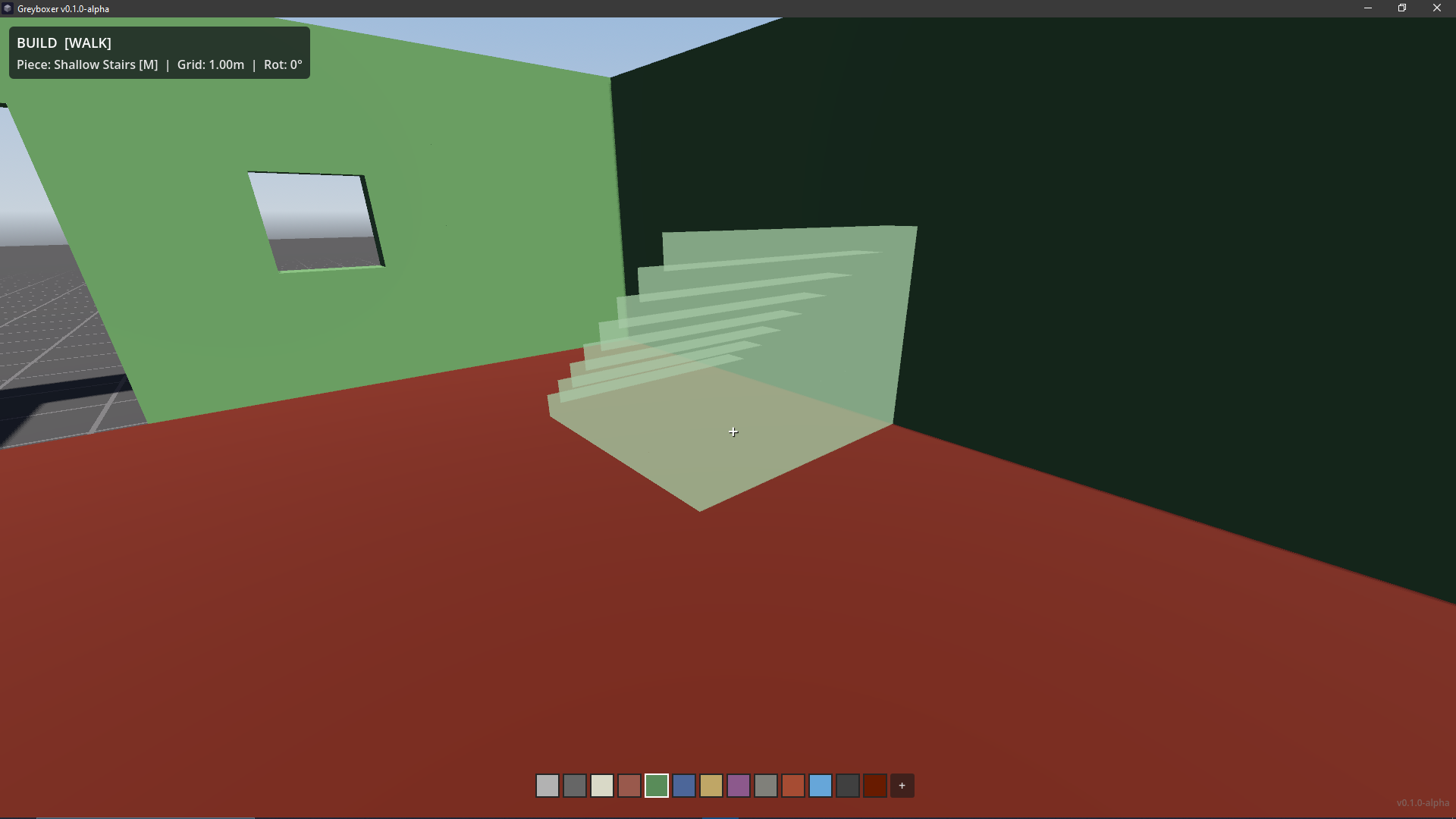
First-person building: place, rotate, flip, scale, and recolor pieces from a FPS perspective
-
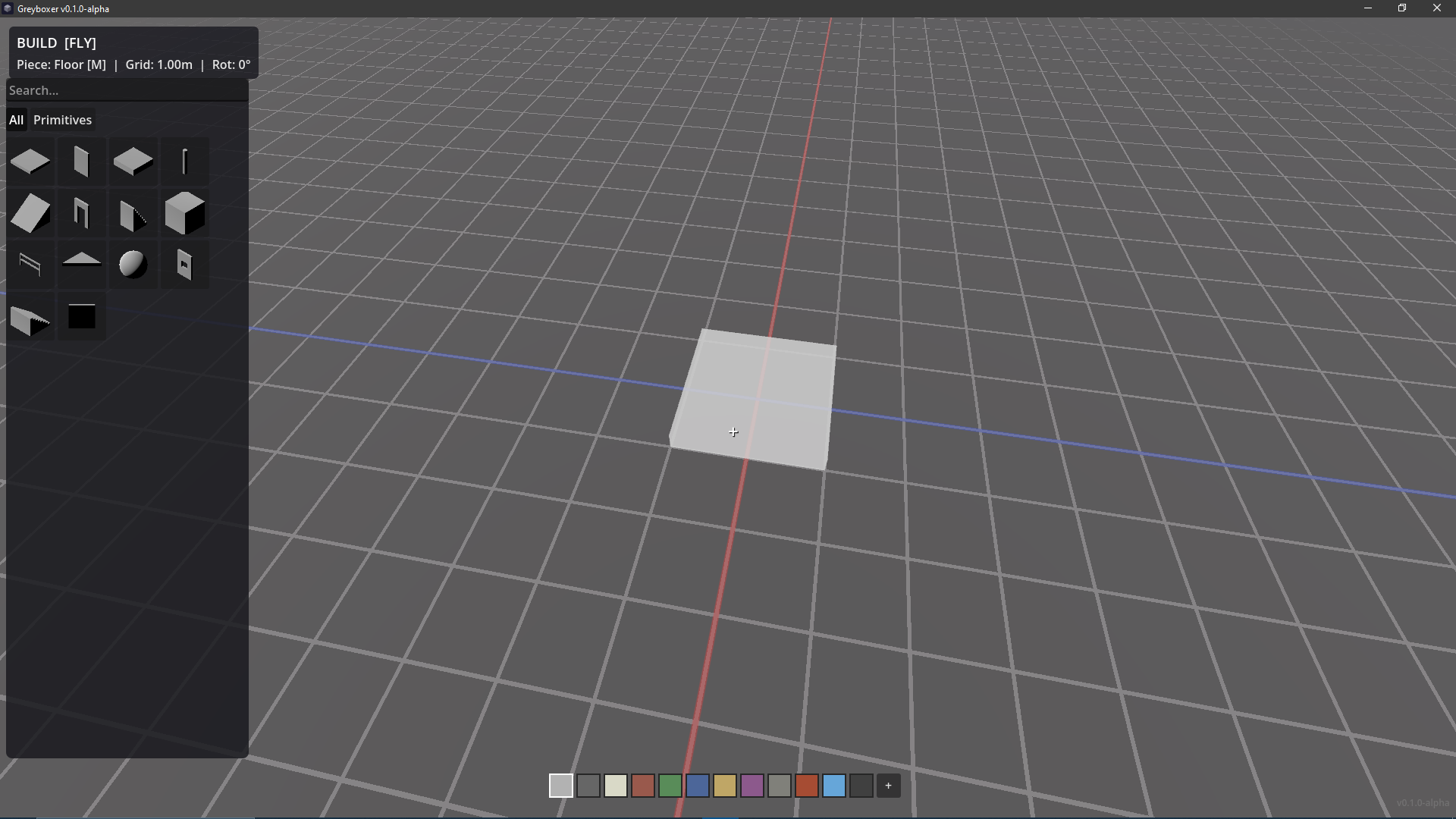
Built-in primitives: floor, wall, platform, column, ramp, doorway, staircase, cube, railing, half floor, sphere, window, shallow stairs (more to come!)
-
Grid snapping: surface-aware snap with 4 grid sizes (0.25m, 0.5m, 1m, 2m)
-
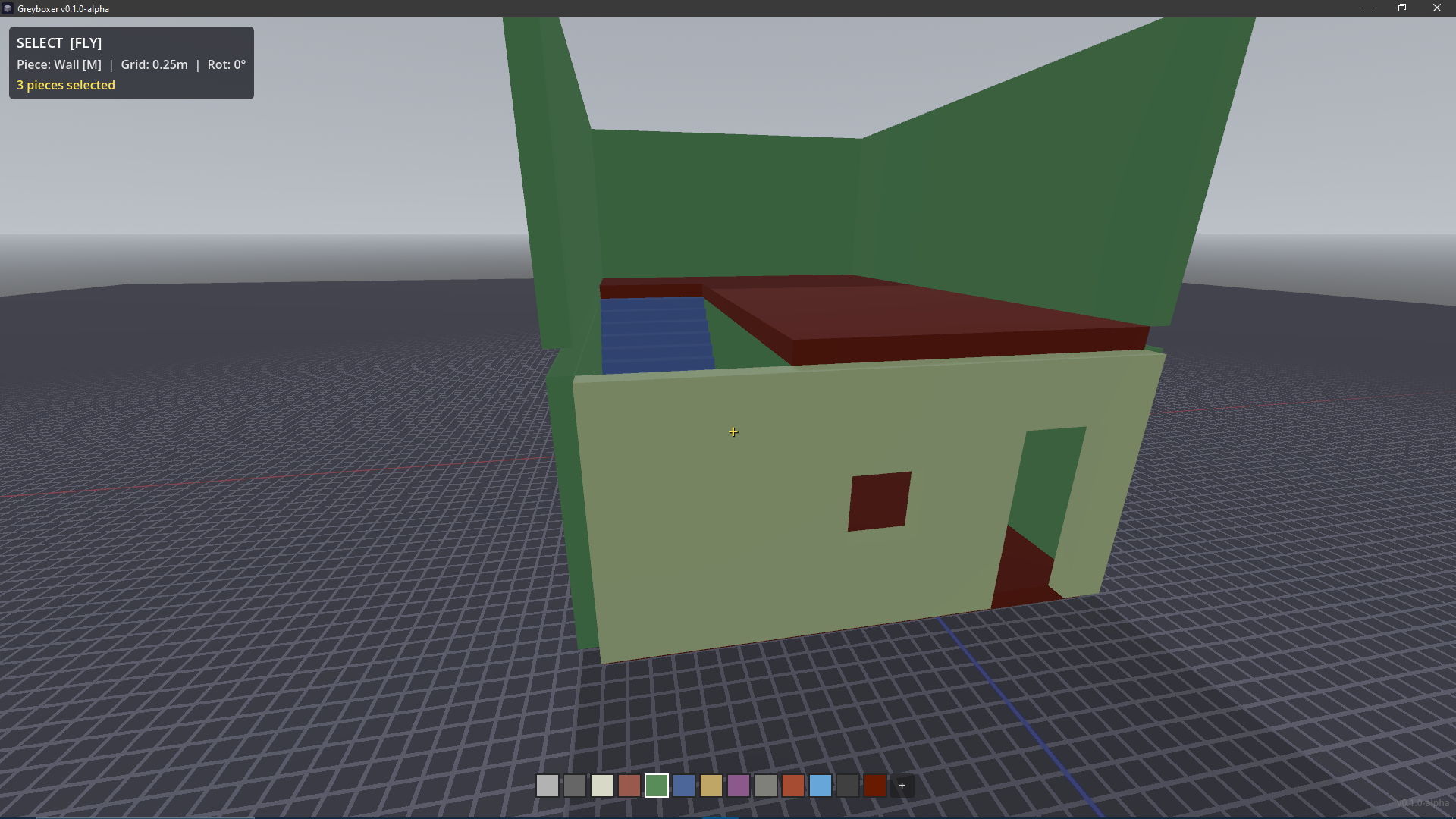
Multi-selection: Shift+click to add, Ctrl+click to toggle, Shift+hold+look to sweep-select
-
Select by color or type: right-click a palette swatch to select all pieces of that color; Shift+click a piece in the asset browser to select all of that type
-
Group manipulation: move, rotate, mirror, and delete groups with full undo
-
Copy/paste: Ctrl+C/V with multi-ghost preview, Ctrl+D to duplicate
-
Collections: save selections as reusable prefabs (Ctrl+Shift+S)
-
Asset kit import: load GLTF/GLB models via manifest.json (Ctrl+I)
-
Browser panels: visual asset browser (B) and prefab browser (N)
-
Lighting presets: Daylight, Overcast, Night, Interior (L key)
-
HUD toggle: hide all HUD elements for clean screenshots (backtick key)
-
Grid visibility: cycle grid between full lines, floor-only, and hidden (
[key) -
Undo/redo: all operations are undoable (Ctrl+Z/Y)
-
Auto-save: every 2 minutes with crash recovery
-
Save/load: JSON project files (Ctrl+S/O)
-
GLTF export: export scenes as .glb (Ctrl+E)
Controls
| Key | Action |
| --- | ------ |
| WASD | Move |
| Mouse | Look |
| Space | Fly up / Jump |
| F | Toggle fly/walk |
| Tab | Toggle build/select mode |
| LMB | Place piece / Select |
| RMB | Quick delete (build mode) |
| Shift+LMB | Recolor piece (build) / Add to selection (select) / Select all of type (asset browser) |
| Shift+LMB hold | Sweep-recolor while looking (build) / Sweep-add to selection (select) |
| Ctrl+LMB hold | Sweep-toggle selection (direction locked to first piece) |
| Q / E | Previous / Next piece |
| R | Rotate 90 degrees |
| Y | Vertical mirror (flip upside-down) |
| Shift+Y | Horizontal mirror |
| G | Cycle grid size |
| V | Cycle scale (S/M/L) |
| T | Cycle opacity |
| C | Cycle color |
| 1-0 | Direct palette select |
| Shift+C | Color picker |
| Scroll | Adjust Y offset |
| MMB | Reset Y offset |
| Arrows | Move selection (XZ) |
| PgUp/PgDn | Move selection (Y) |
| Del / X | Delete selection |
| Ctrl+C/V/D | Copy / Paste / Duplicate |
| B / N | Asset browser / Prefab browser |
| Ctrl+Shift+S | Save collection |
| Ctrl+I | Import asset kit |
| Ctrl+S / Ctrl+O | Save / Load |
| Ctrl+E | Export GLTF |
| Ctrl+Z / Ctrl+Y | Undo / Redo |
| L | Cycle lighting preset |
| H | Toggle help |
| ` | Hide/show HUD (screenshot mode) |
| [ | Cycle grid (Full / Floor only / Hidden) |
| Esc | Release/capture mouse |
Asset Kit Format (EXPERIMENTAL ADVANCED FEATURE!)
Create a directory with a manifest.json and GLTF/GLB files:
{ "kit_name": "My Kit", "assets": [ { "file": "model.glb", "name": "Model Name", "category": "Buildings", "collision_type": "trimesh" } ] }
Import with Ctrl+I and select the manifest file.
Download
Click download now to get access to the following files:
Leave a comment
Log in with itch.io to leave a comment.